
How do I approve my order?
Check the order we sent you, choose a payment method, then read and approve the contract.
If you change the language, the video opens in that language too.
An order with the status Pending Approval is waiting for your approval. Before you approve it, you need to choose a payment method.
Open the order
In Order Forms, click View in the row of the order marked Pending Approval.
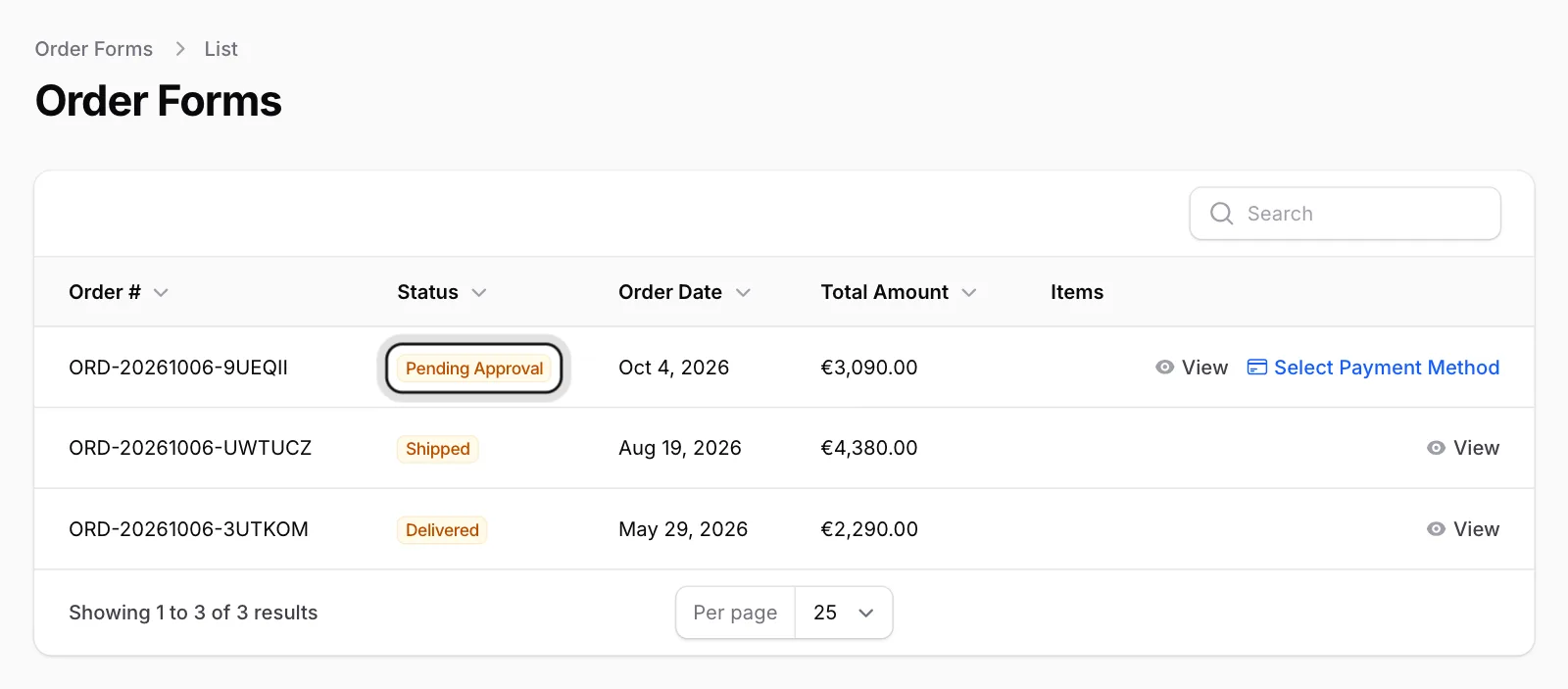
Check the order
Go through the products, amounts, delivery address and payment plan. If something is wrong, contact ENKA HOME before you approve.
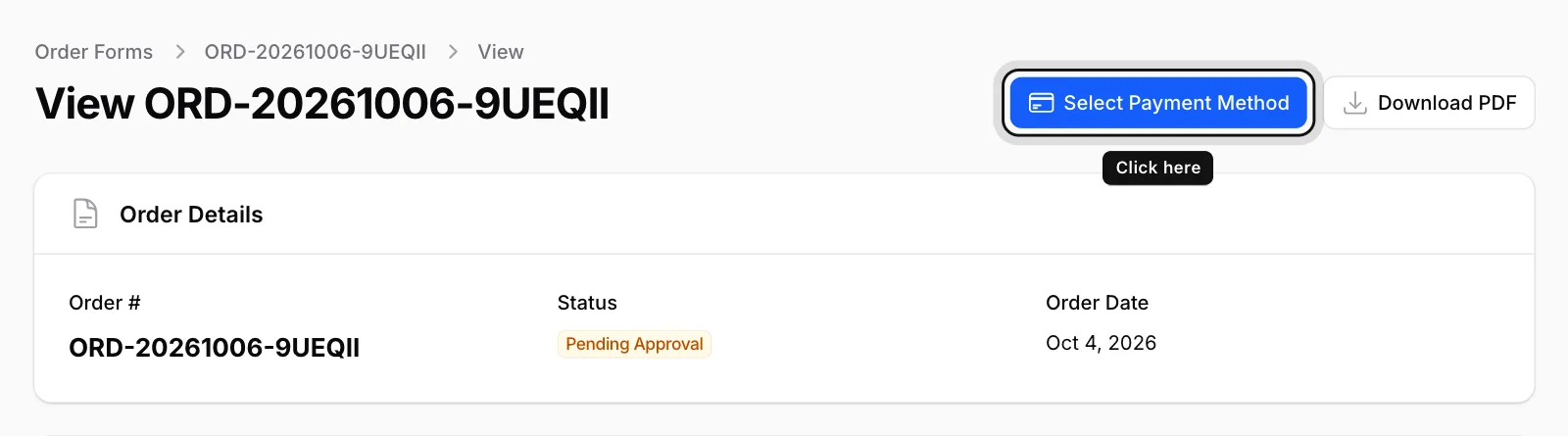
Click Select Payment Method
It’s the blue button at the top right. Until you choose one, the Payment Method section shows the notice “You must select a payment method before approving the order.”
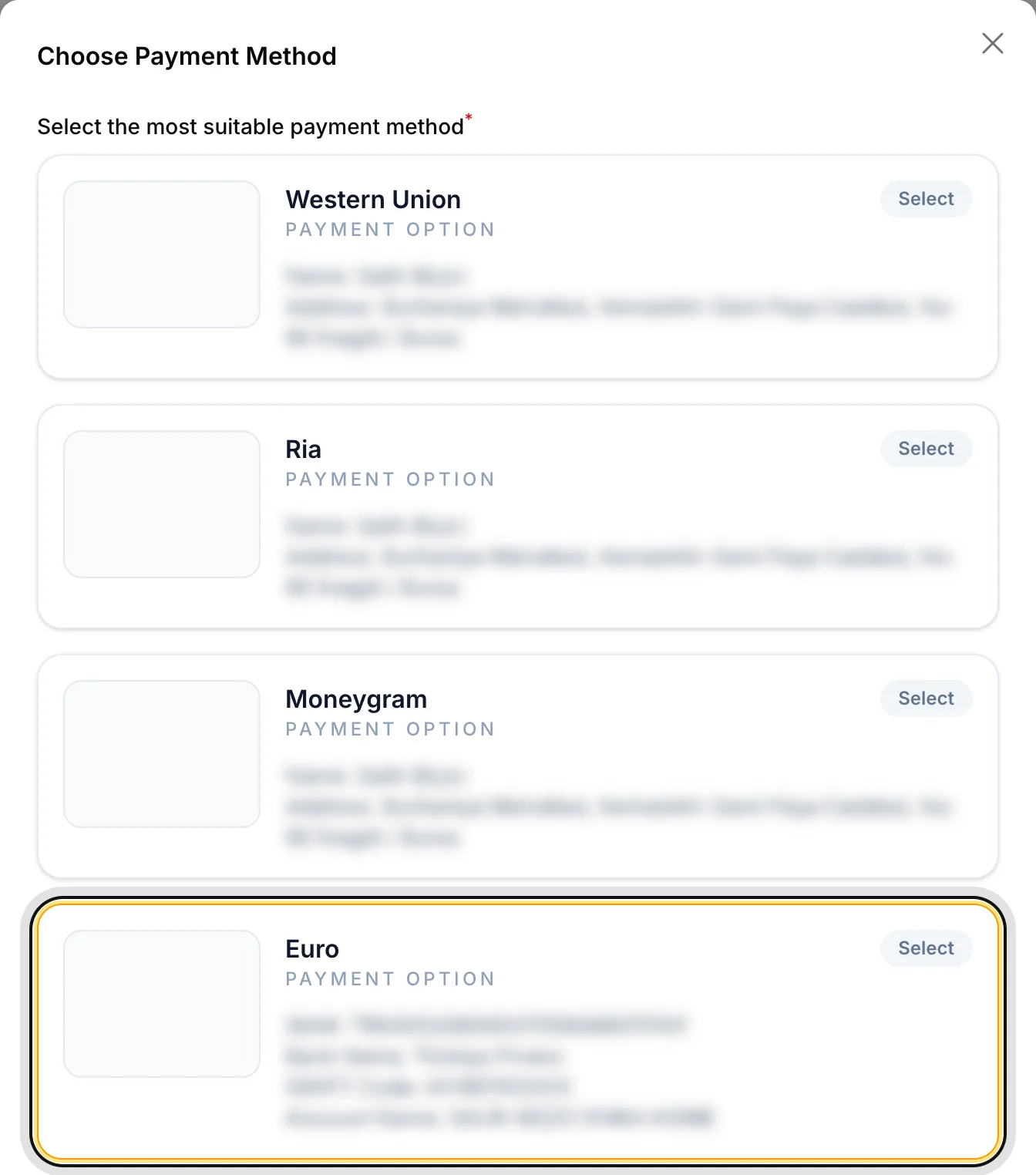
Choose your method
In the Choose Payment Method window, pick the card that suits you. Each card shows that method’s payment instructions. Then click Submit at the bottom of the window.
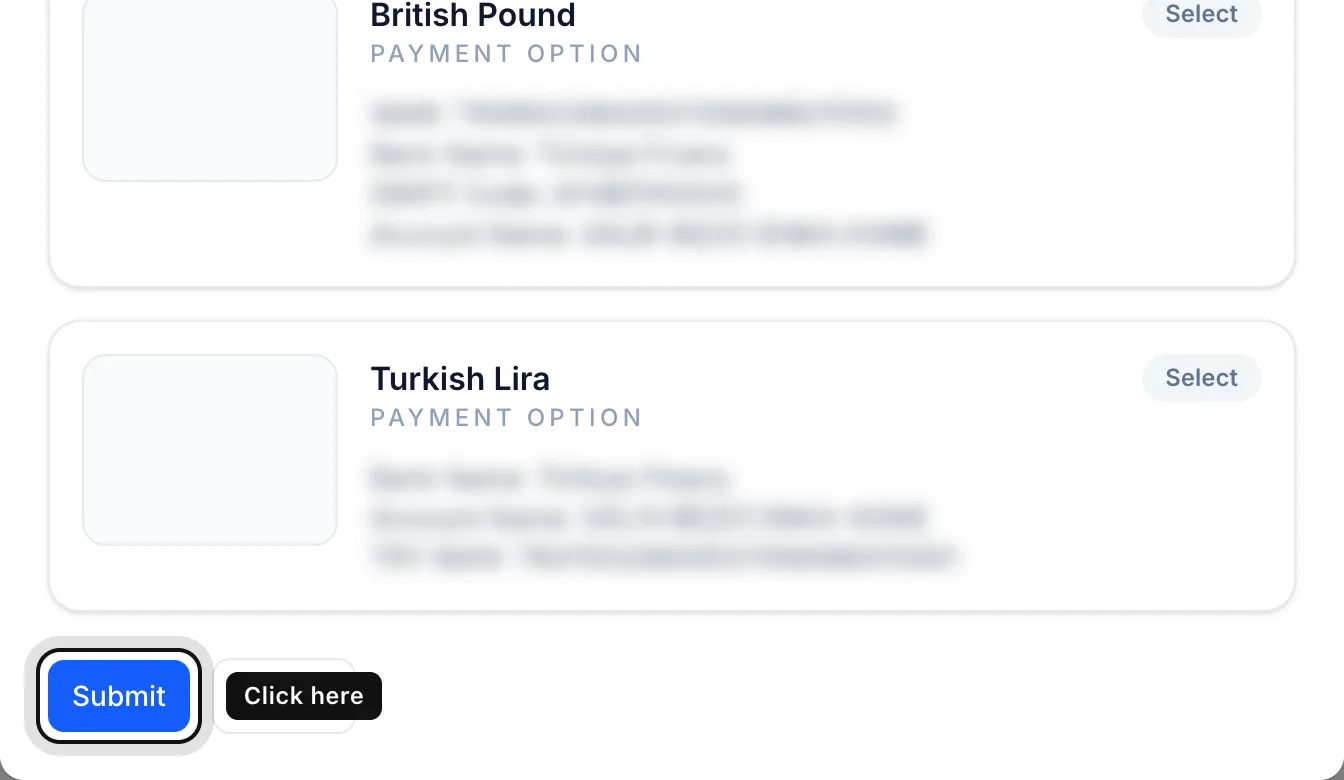
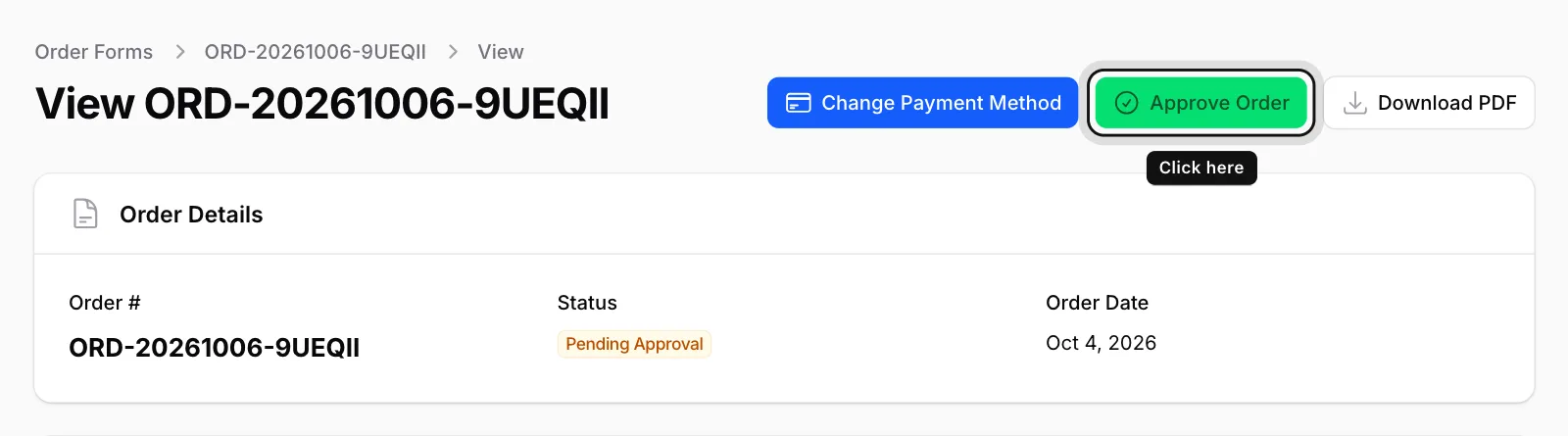
Click Approve Order
Once a payment method is chosen, the green Approve Order button appears at the top right.
Read and approve the contract
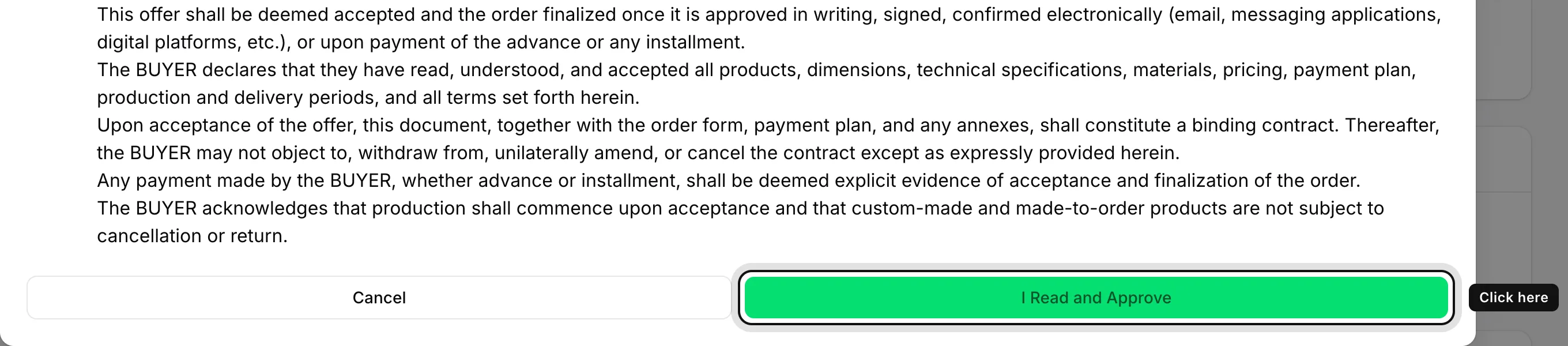
The Order Confirmation window contains the distance sales contract. Read it to the end and click I Read and Approve.
Done
The message “Order successfully approved.” appears and the status changes to Approved. Your approval date is shown under Approval Information.
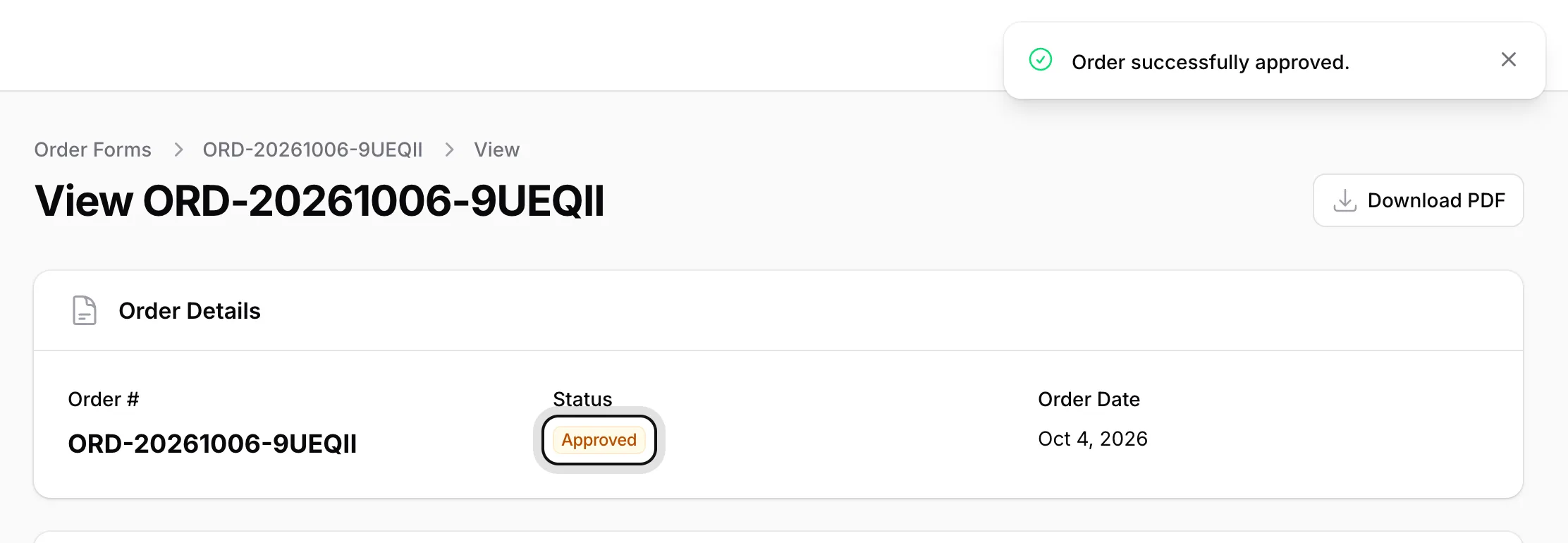
Until you approve the order, you can change the payment method with Change Payment Method. After approval this button disappears.