
Where can I see my orders?
All your orders are on the Order Forms page; open one to see its details.
If you change the language, the video opens in that language too.
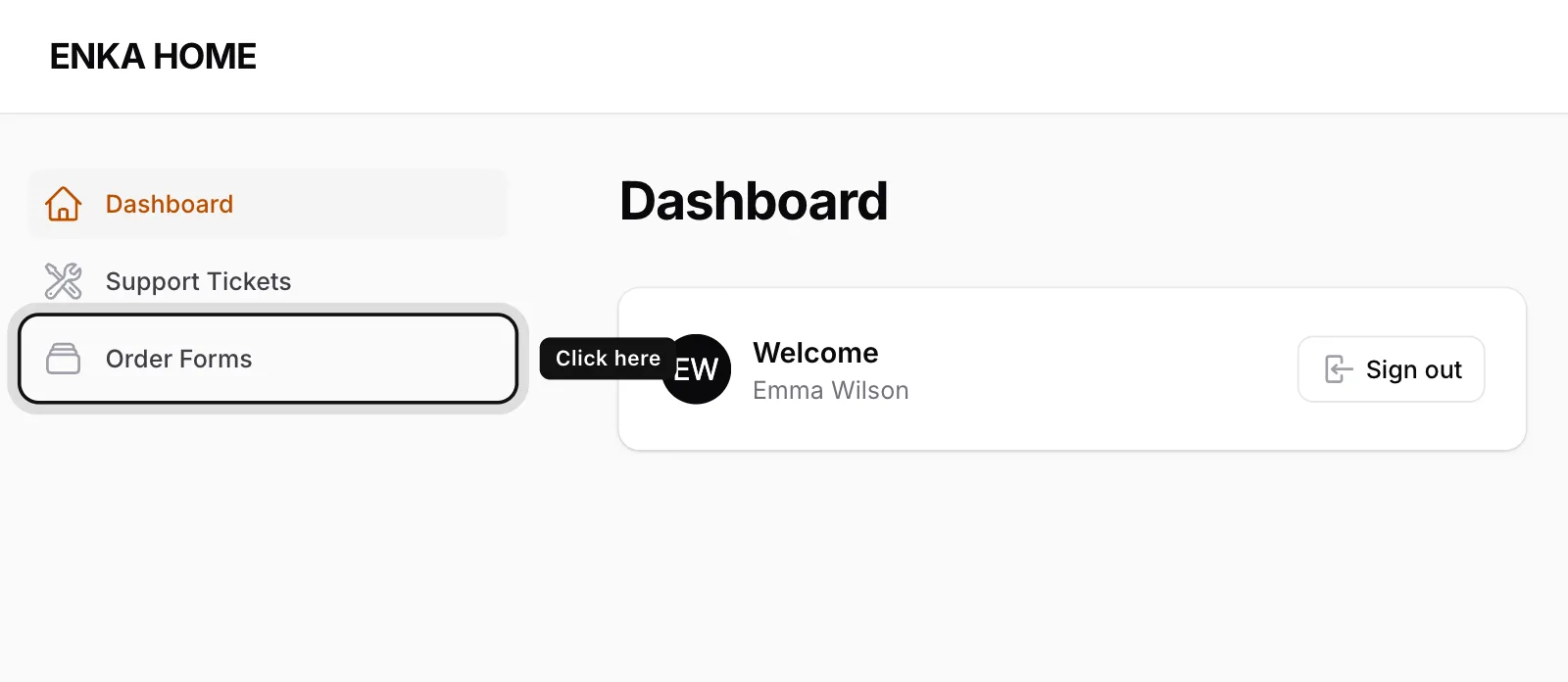
Click Order Forms
You’ll find it in the menu on the left.
Find your order
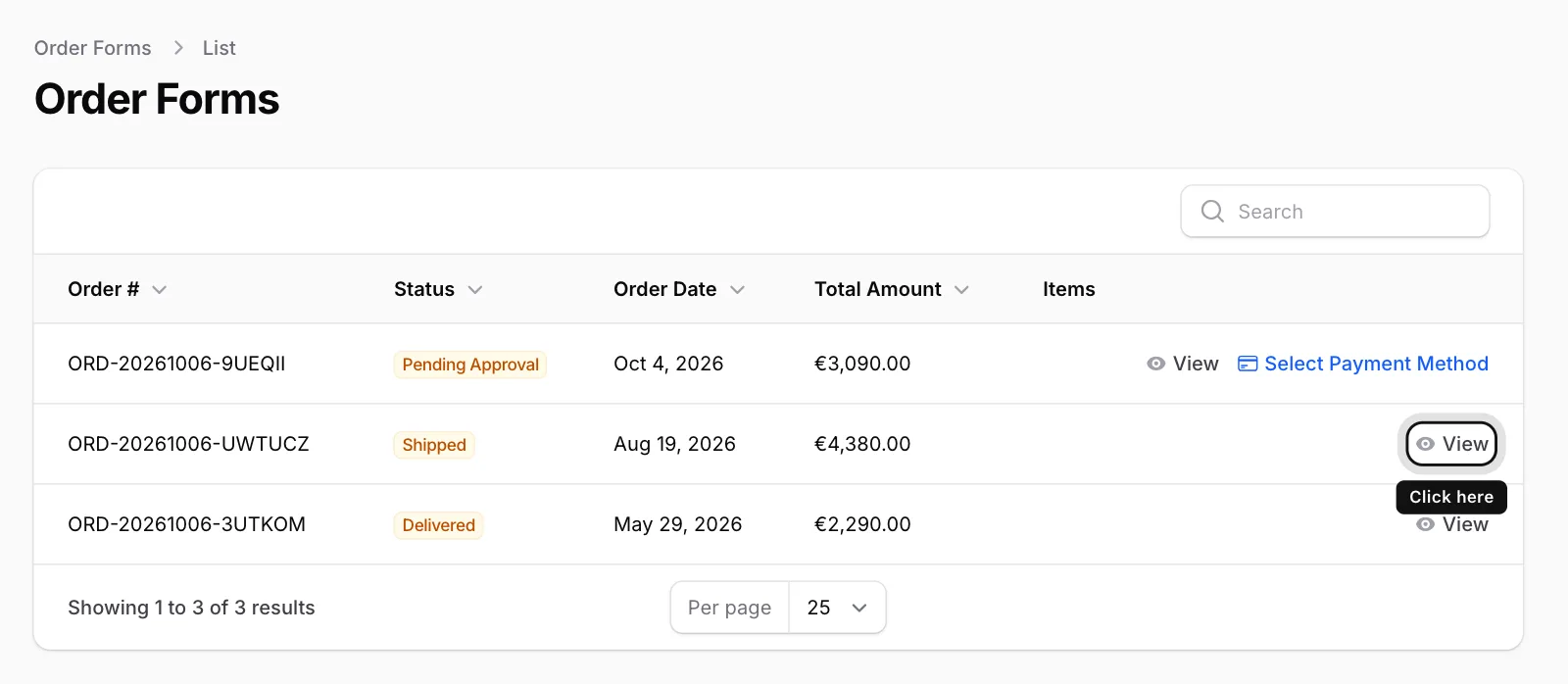
Each row shows the Order #, Status, Order Date and Total Amount. If you have many orders, type the order number into the Search box at the top right.
Click View
Click View in the row of the order you want to open.
Look through the order page
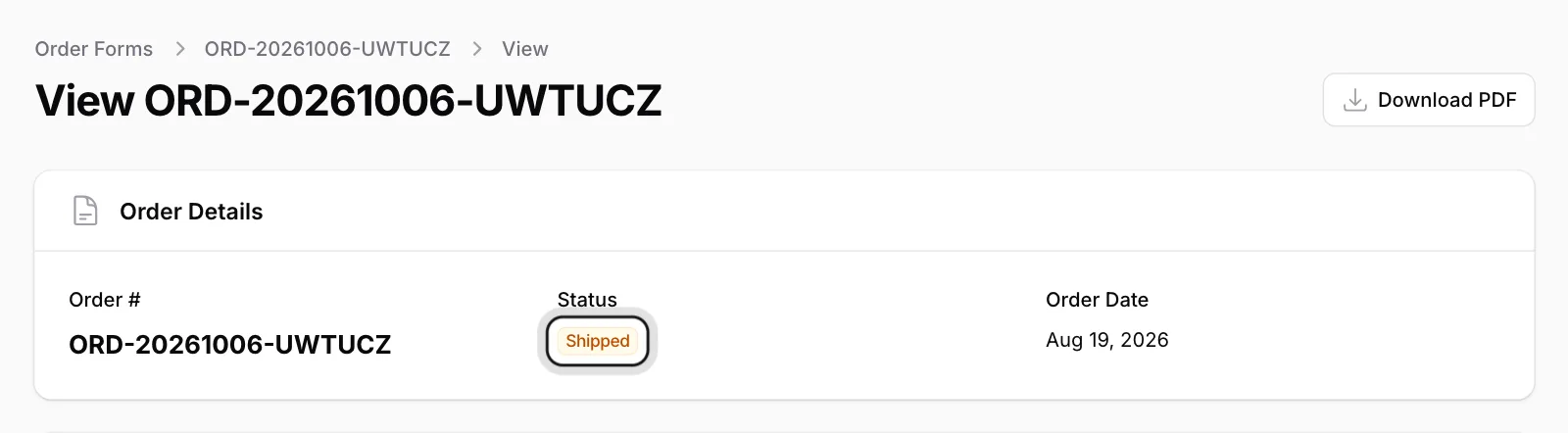
At the top you see the order number, its Status and the Order Date. Scroll down for payment, delivery, carrier and product details.
When a new order is added to your panel, you receive an email titled Your Order Has Been Created. Its View Order button takes you straight to the order.