
In 4 steps
Where can I find my distance sales contract?
The contract text is on the order page; save it together with your order using Download PDF.
Open the order
In Order Forms, click View in the row of the order.
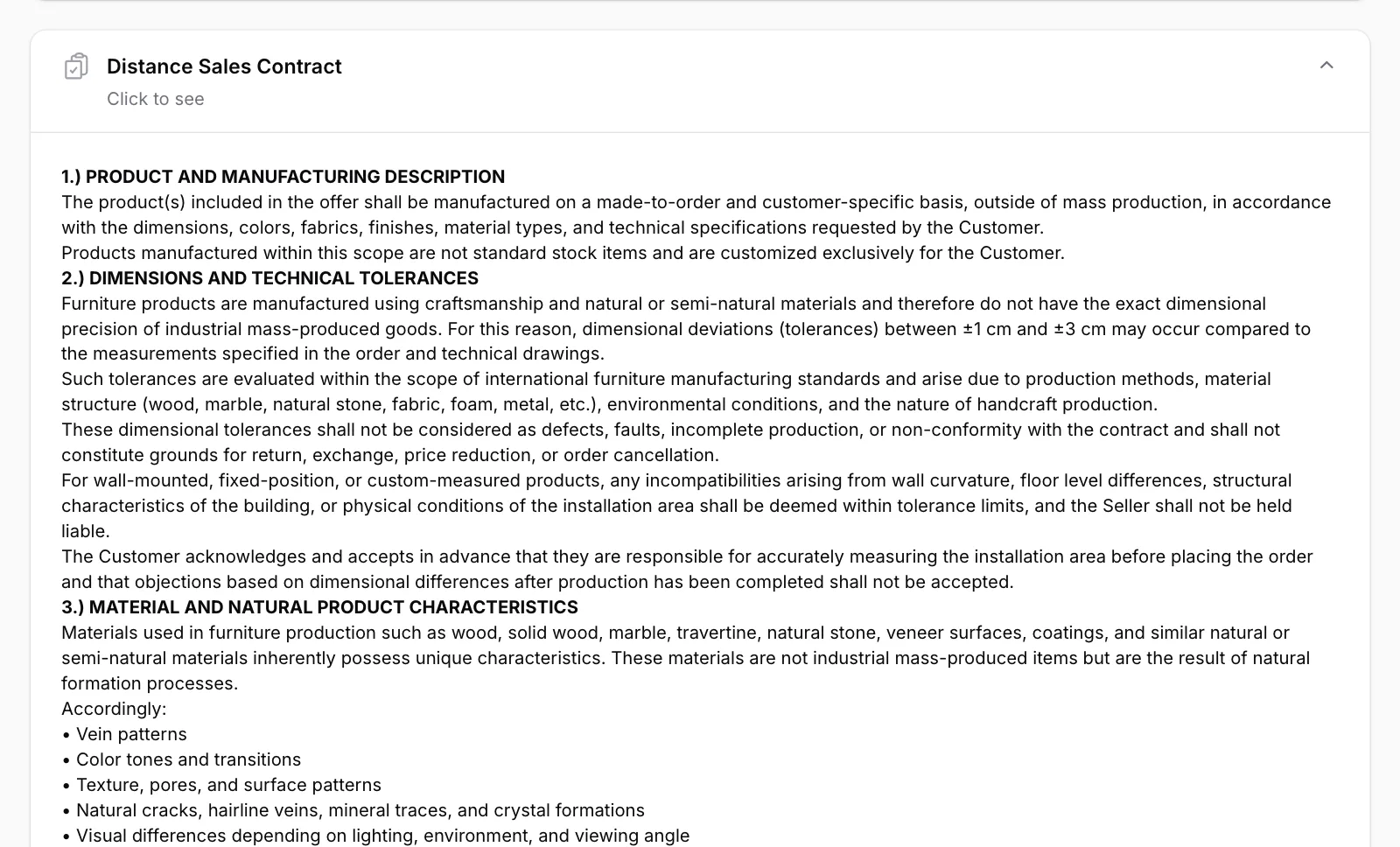
Click the Distance Sales Contract section
Scroll towards the bottom of the page. Click the section that says “Click to see” and the text opens.

Read the text
The full contract is shown in this section. Click the section title again to close it.
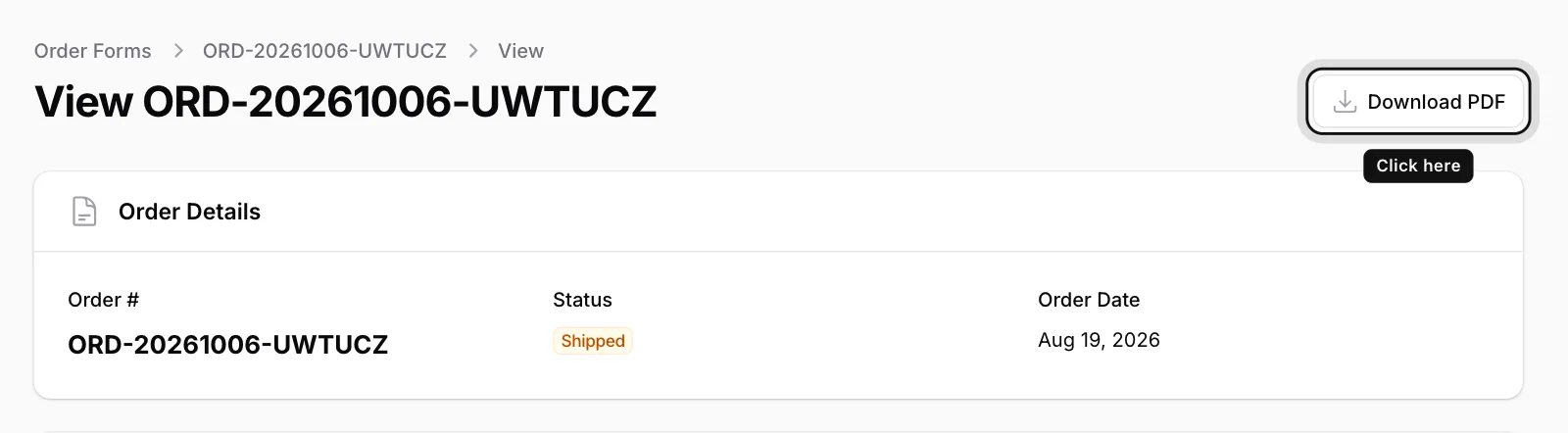
Save it as a PDF
Click Download PDF at the top right. The PDF contains both your order details and the contract text.
You also see the same text when you approve the order: the Approve Order window shows the contract.