
I forgot my password. What should I do?
Set a new password in a few minutes with the link we send to your email.
If you change the language, the video opens in that language too.
If you can’t remember your password, you can send yourself a reset link from the sign-in page. The link goes to the email address registered in the panel.
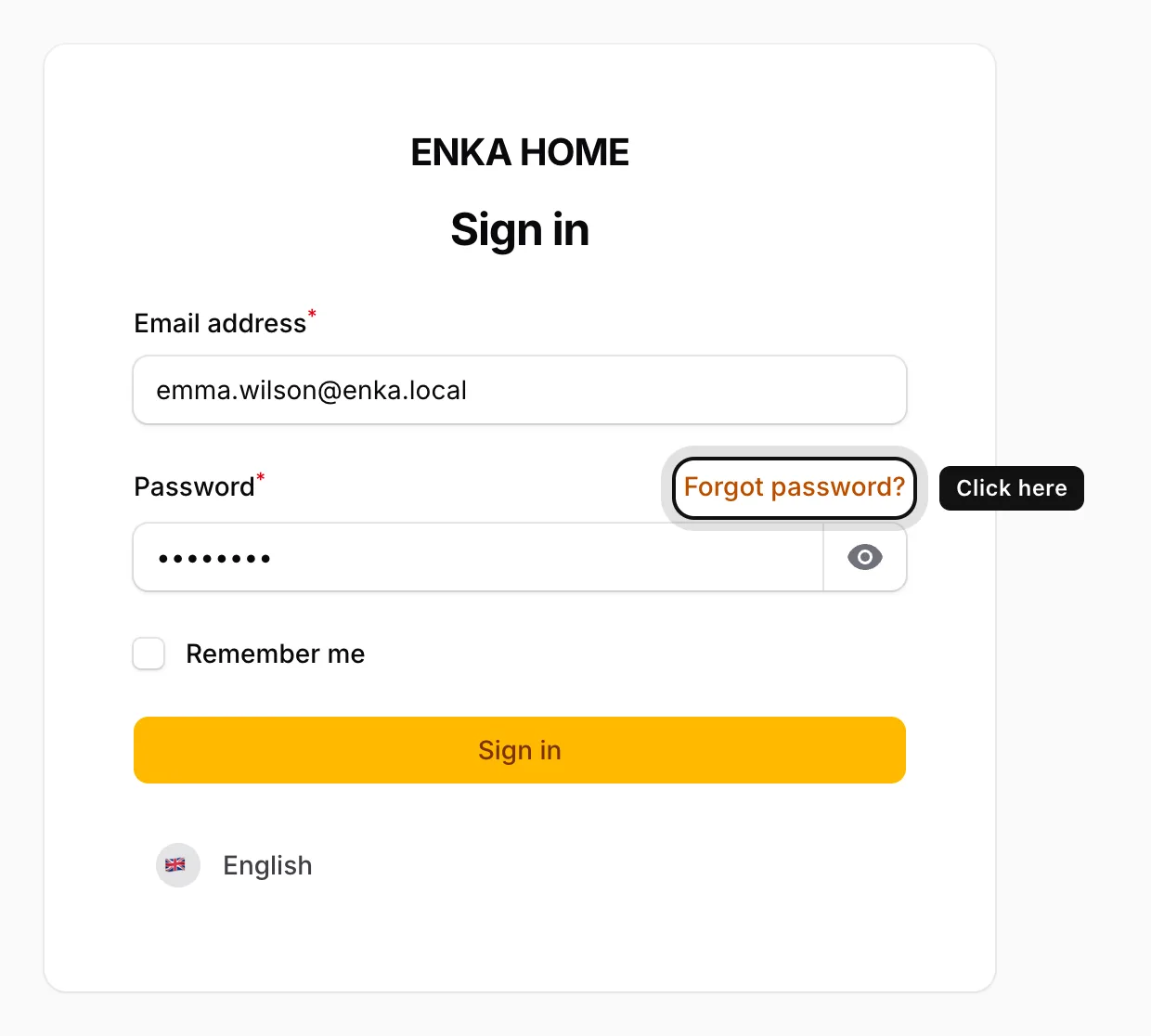
Click Forgot password?
On the sign-in page, the link is at the top right of the Password field.
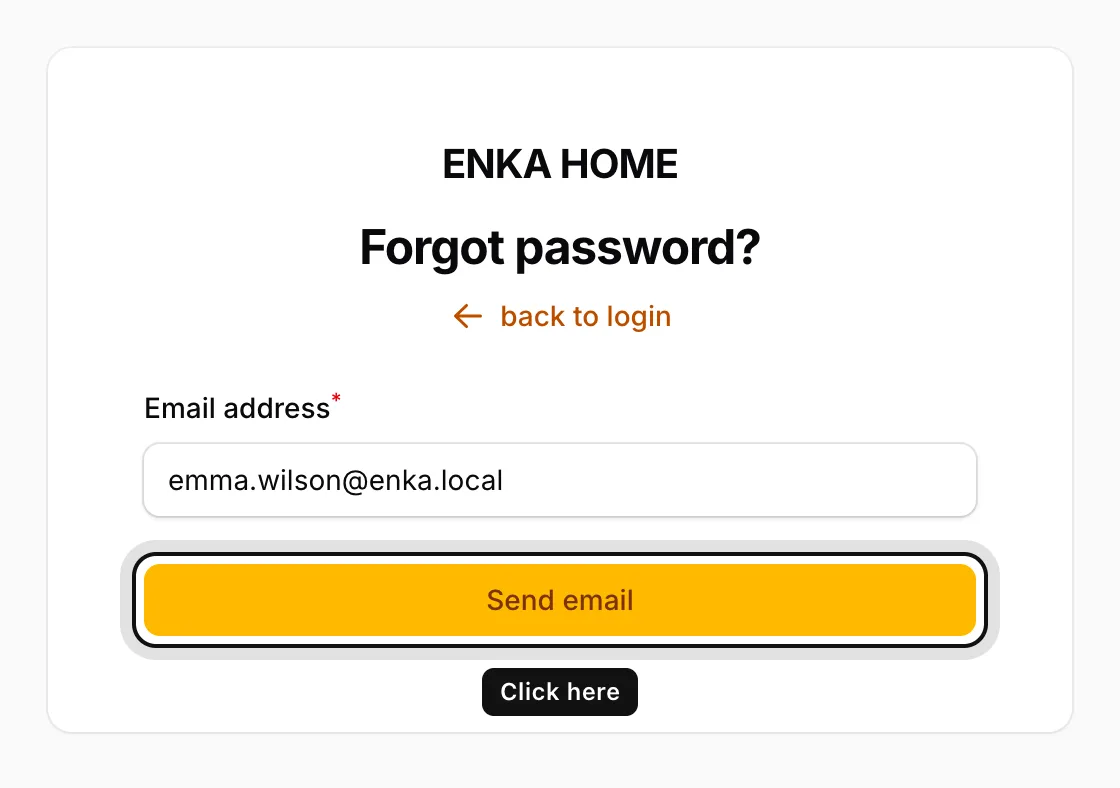
Enter your email address
Type the address registered in the panel into Email address and click Send email.
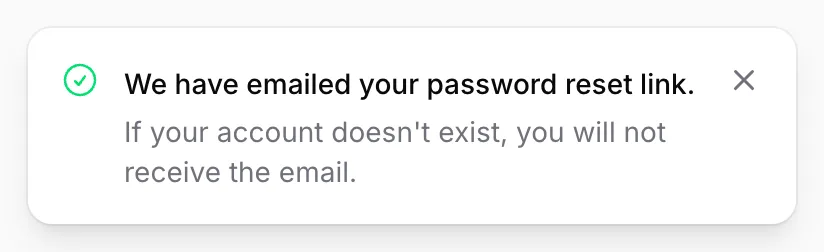
Check the confirmation
The message “We have emailed your password reset link.” appears at the top right of the screen.
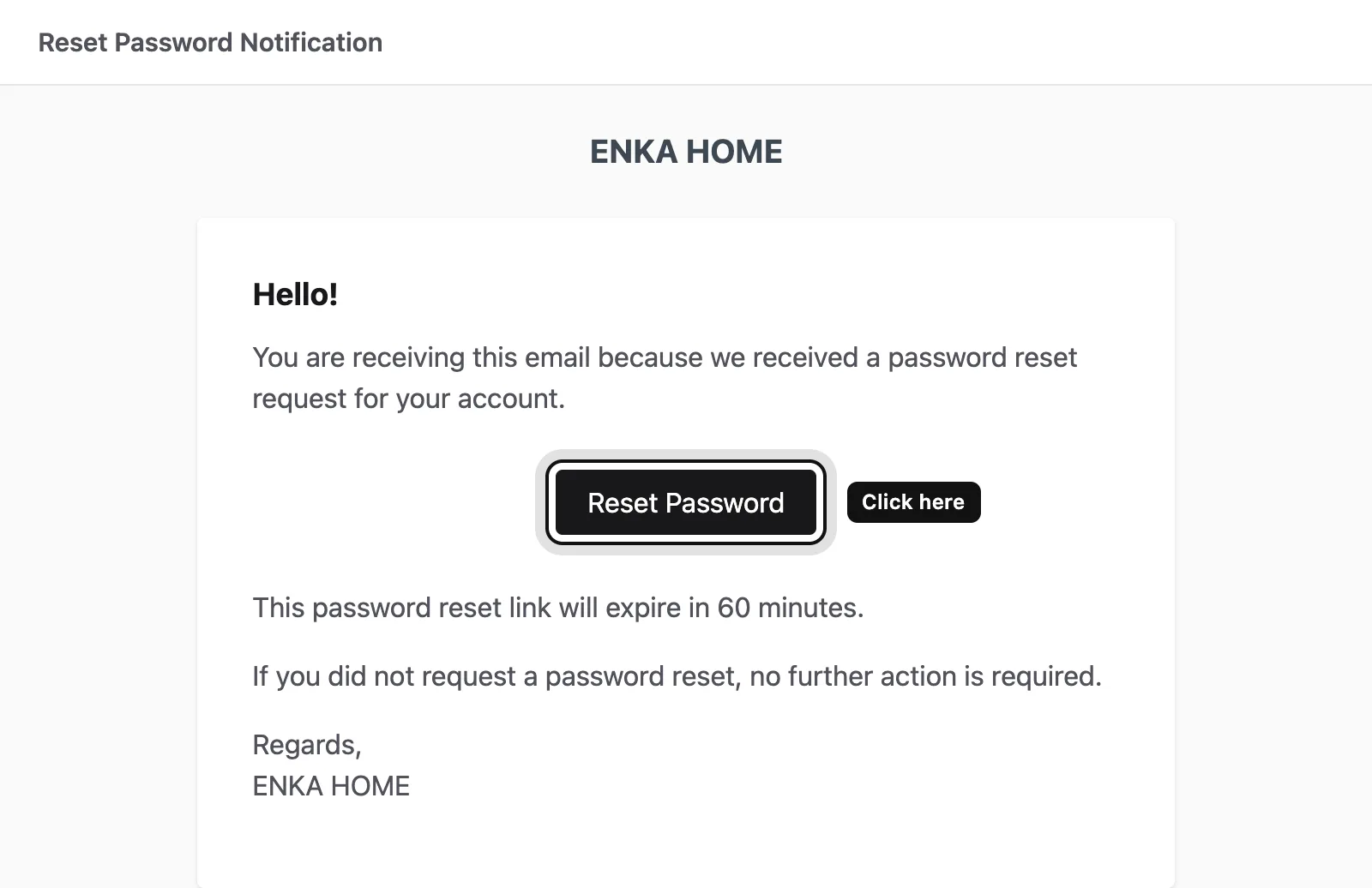
Click the button in the email
Open the email titled Reset Password Notification and click Reset Password. The link is valid for 60 minutes.
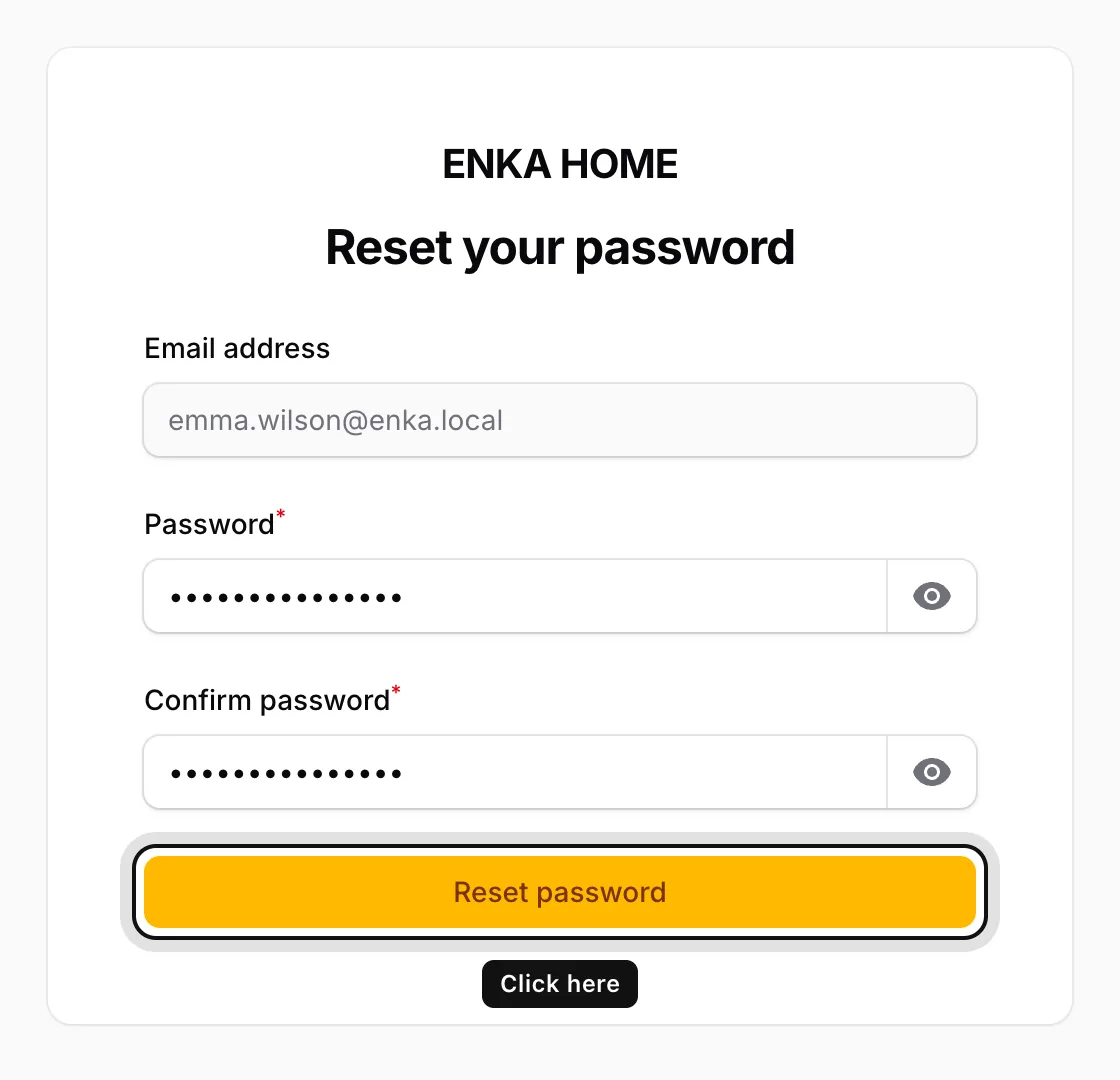
Enter your new password twice
Type the same new password into Password and Confirm password, then click Reset password. You return to the sign-in page; sign in with your new password.
If the email doesn’t arrive within a few minutes, check your spam folder. You can’t request links back to back; wait a minute and try again.