
In 4 steps
How do I update my profile?
Edit your name or change your panel password.
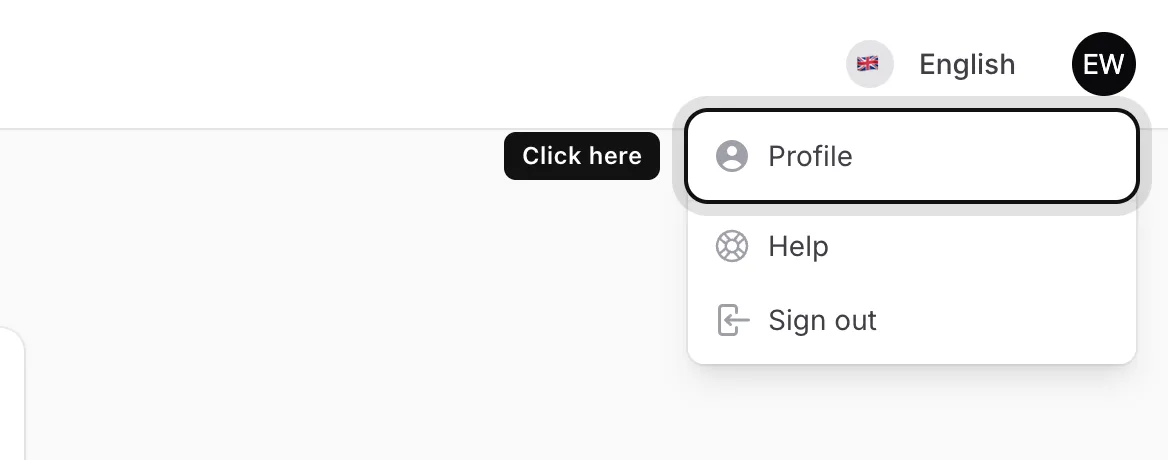
Open your profile
Click the circle with your initials in the top right corner and choose Profile.
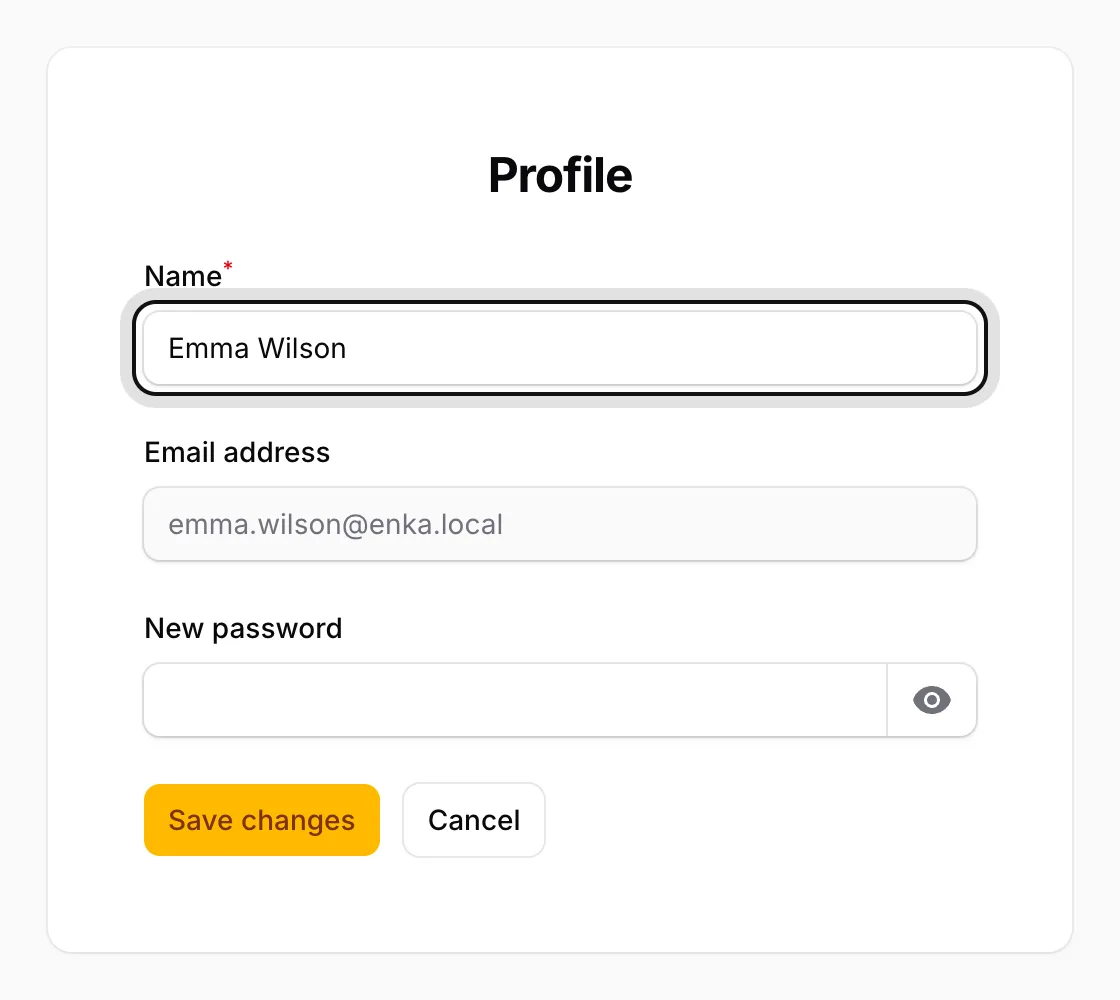
Edit your name
Change the Name field. The Email address field is greyed out: the address can’t be changed in the panel.
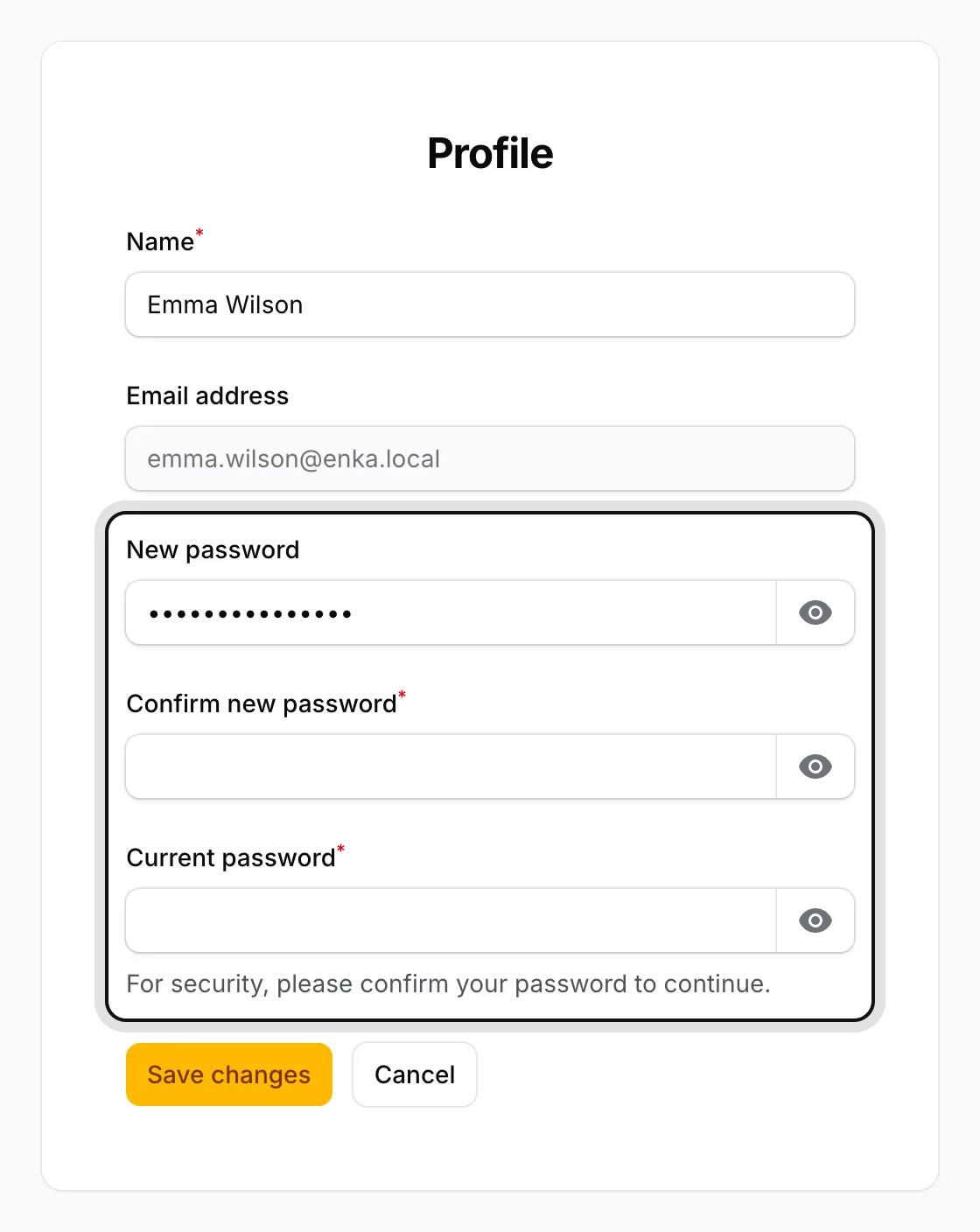
Change your password if you like
Type your new password into New password. The fields Confirm new password and Current password appear below it: type the new password again and enter your current one.
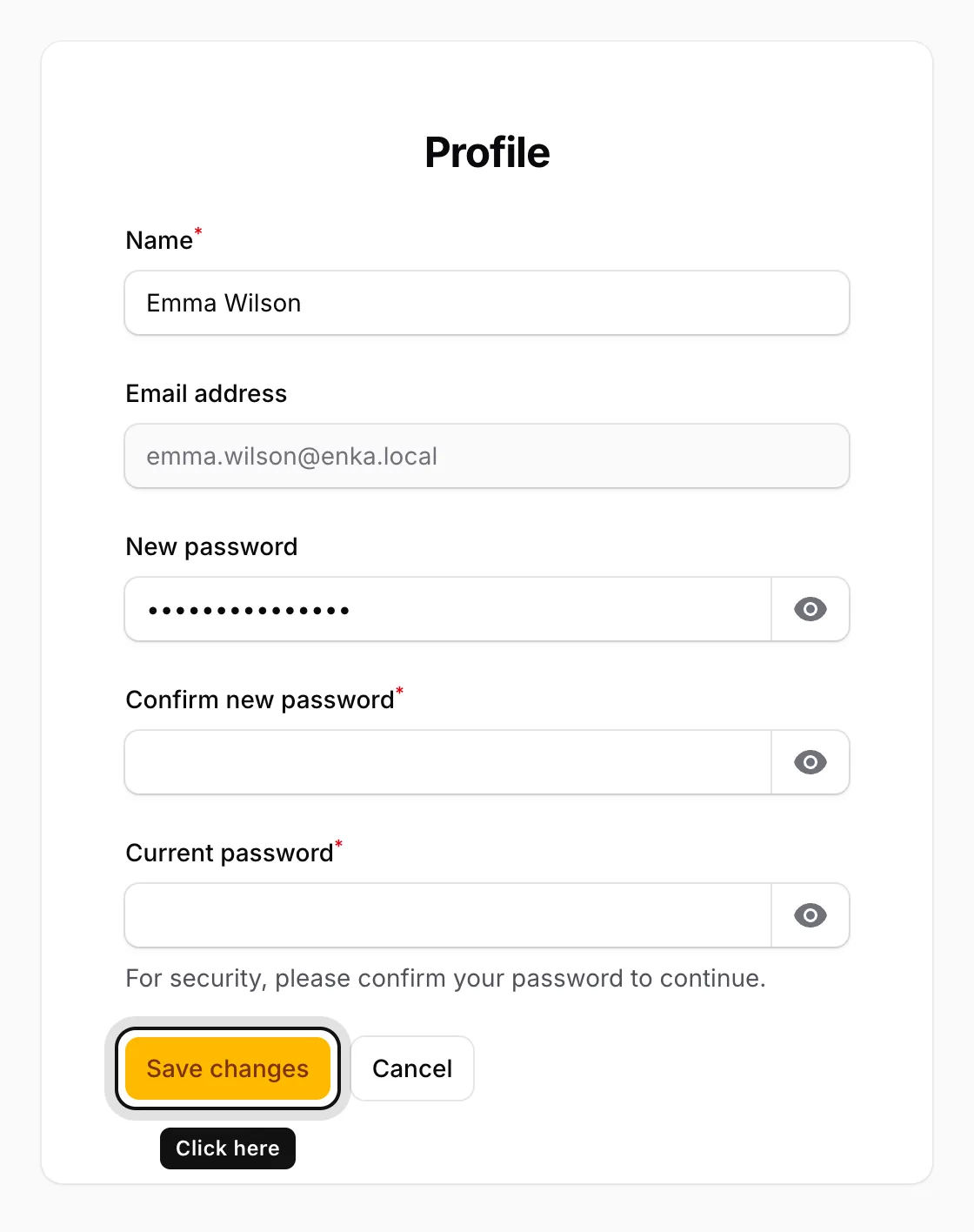
Click Save changes
When you see “Saved”, you’re done.
If you need to change your email address, please contact the ENKA HOME team.