
How do I sign in to the panel?
Sign in to the ENKA HOME customer panel with your email address and password.
In the ENKA HOME customer panel you can follow your orders, your payment plan and your support tickets in one place. When your account is created, we send your sign-in details in an email titled Welcome - Your Account Has Been Created.
Open the sign-in page
Click the Log In button in the welcome email. The sign-in page of the panel opens.
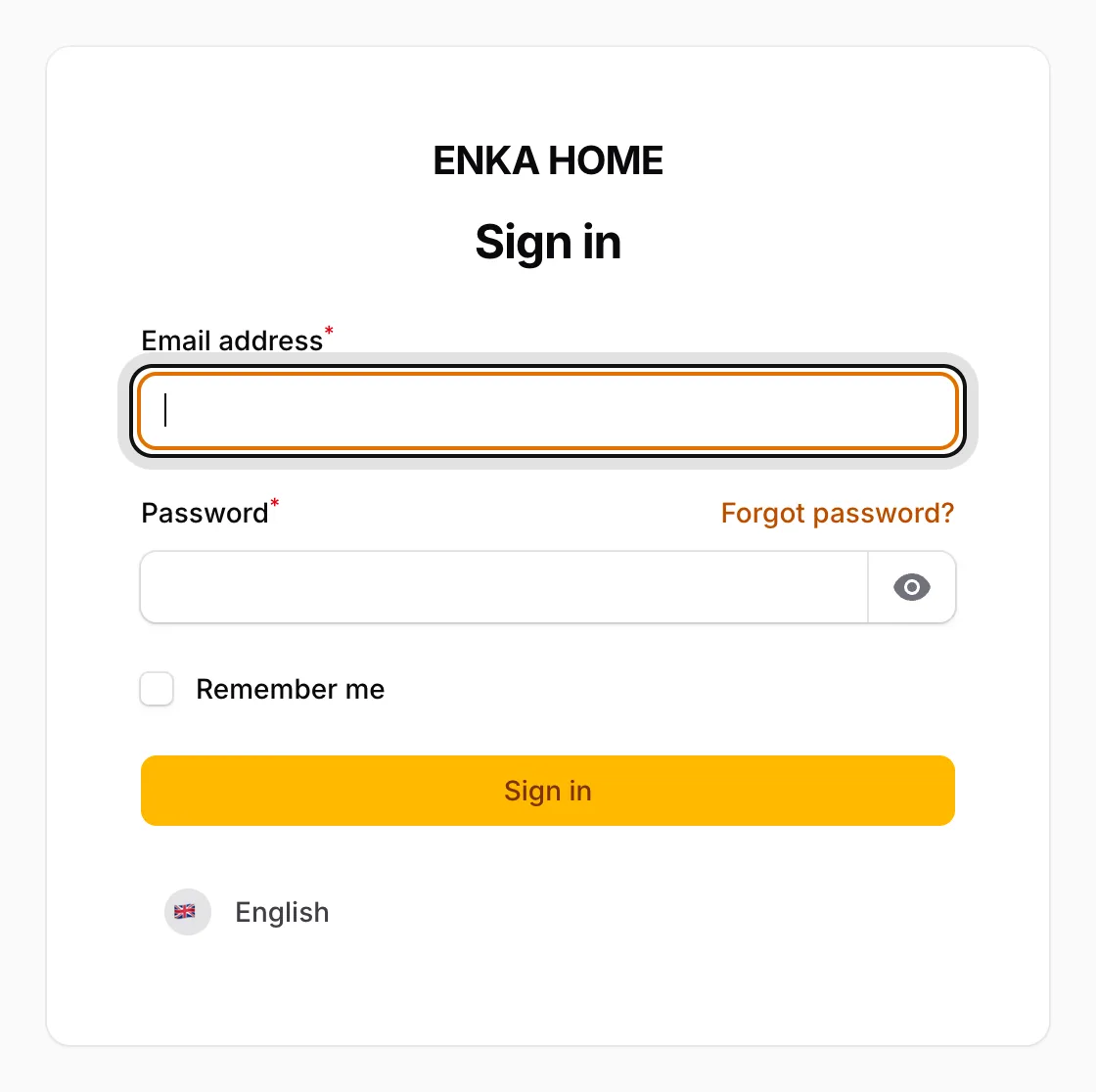
Enter your email address and password
Fill in the Email address and Password fields. You will find your password in the welcome email.
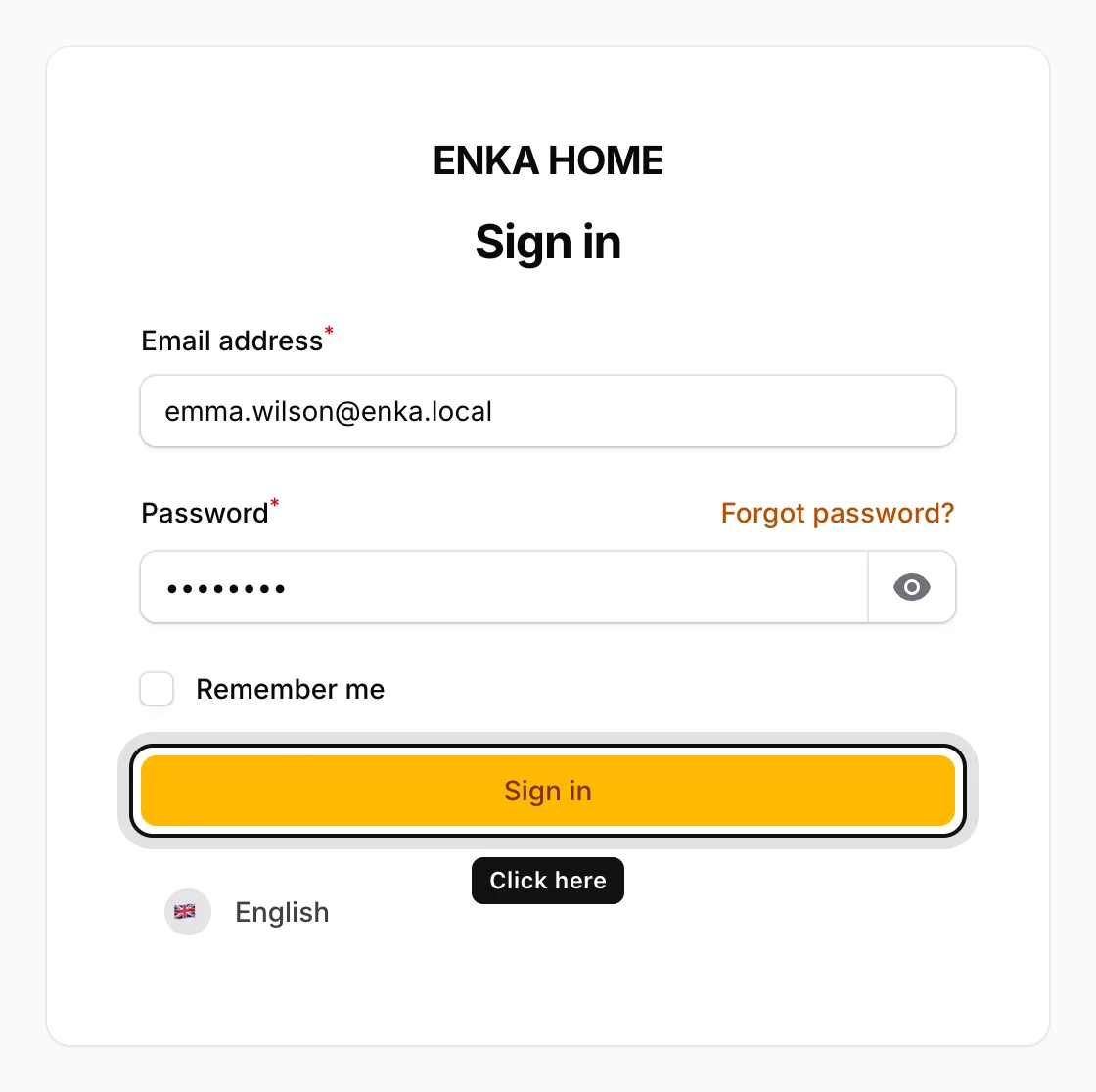
Click Sign in
If you want to stay signed in on this computer, tick Remember me first. Then click Sign in.
Use the menu on the left
Your orders are under Order Forms and your service requests under Support Tickets.
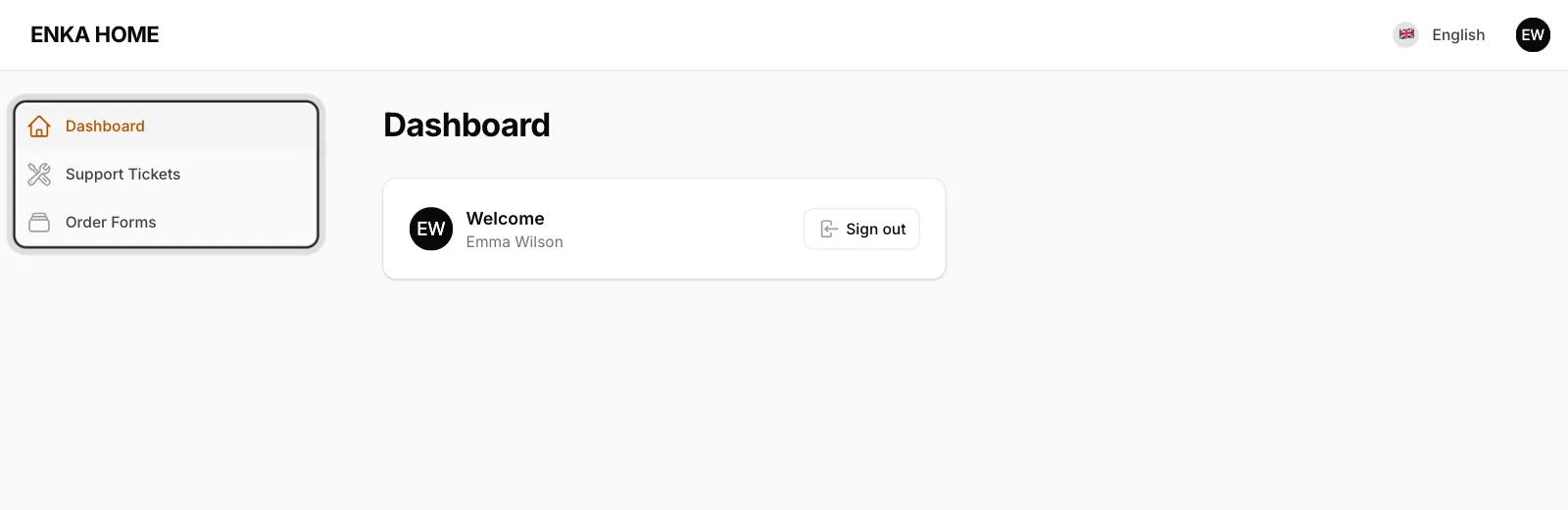
When you are done, click the circle with your initials in the top right corner and choose Sign out. The Help link in the same menu opens this help center.