
In 3 steps
Where can I see my payment method and instructions?
The payment method you chose and the instructions on how to pay are on the order page.
Open the order
In Order Forms, click View in the row of the order.
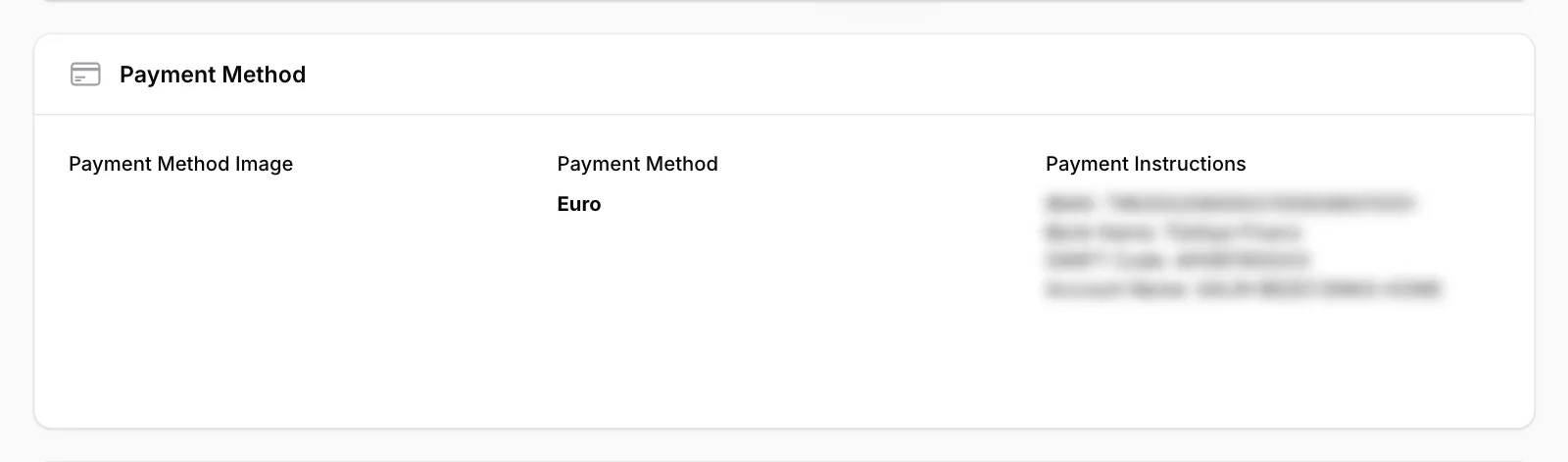
Go to the Payment Method section
The Payment Method field shows the method you chose, and Payment Instructions explains how to pay (for example the bank details). The instructions are blurred in the picture; on your own page you see them in full.
Change the method if needed
If the order hasn’t been approved yet, click Change Payment Method at the top right, choose another method and click Submit. The message “Payment method updated.” appears.
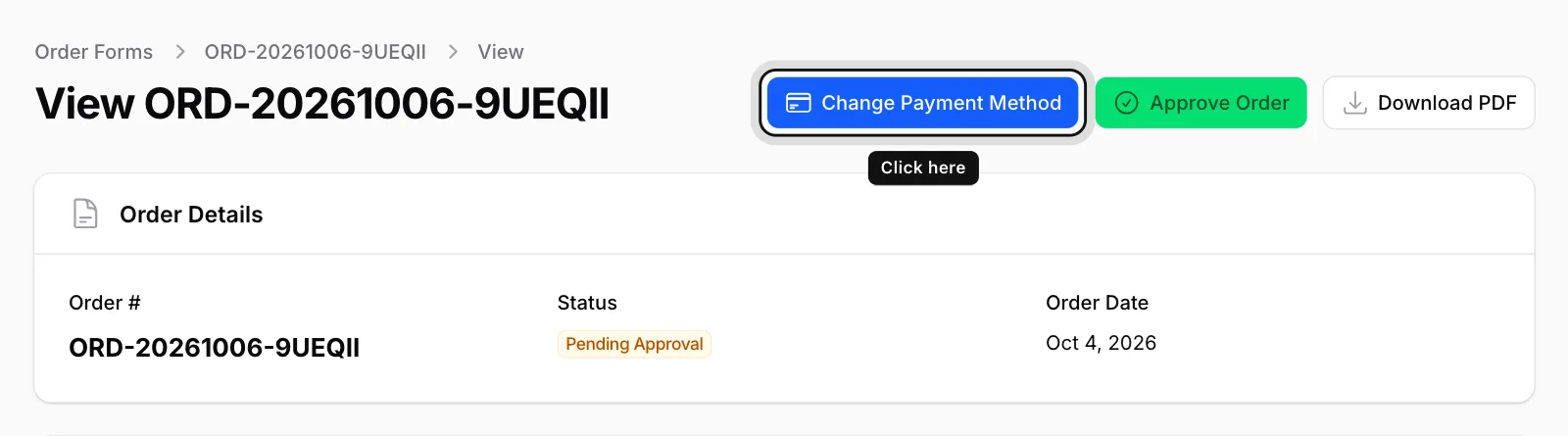
Once you have approved the order, the payment method can’t be changed in the panel. Please contact ENKA HOME if you need to change it.