
In 3 steps
Where can I see the carrier and my tracking number?
Once your order is on its way, the carrier and tracking number appear on the order page.
Open the order
In Order Forms, click View in the row of the order marked Shipped.
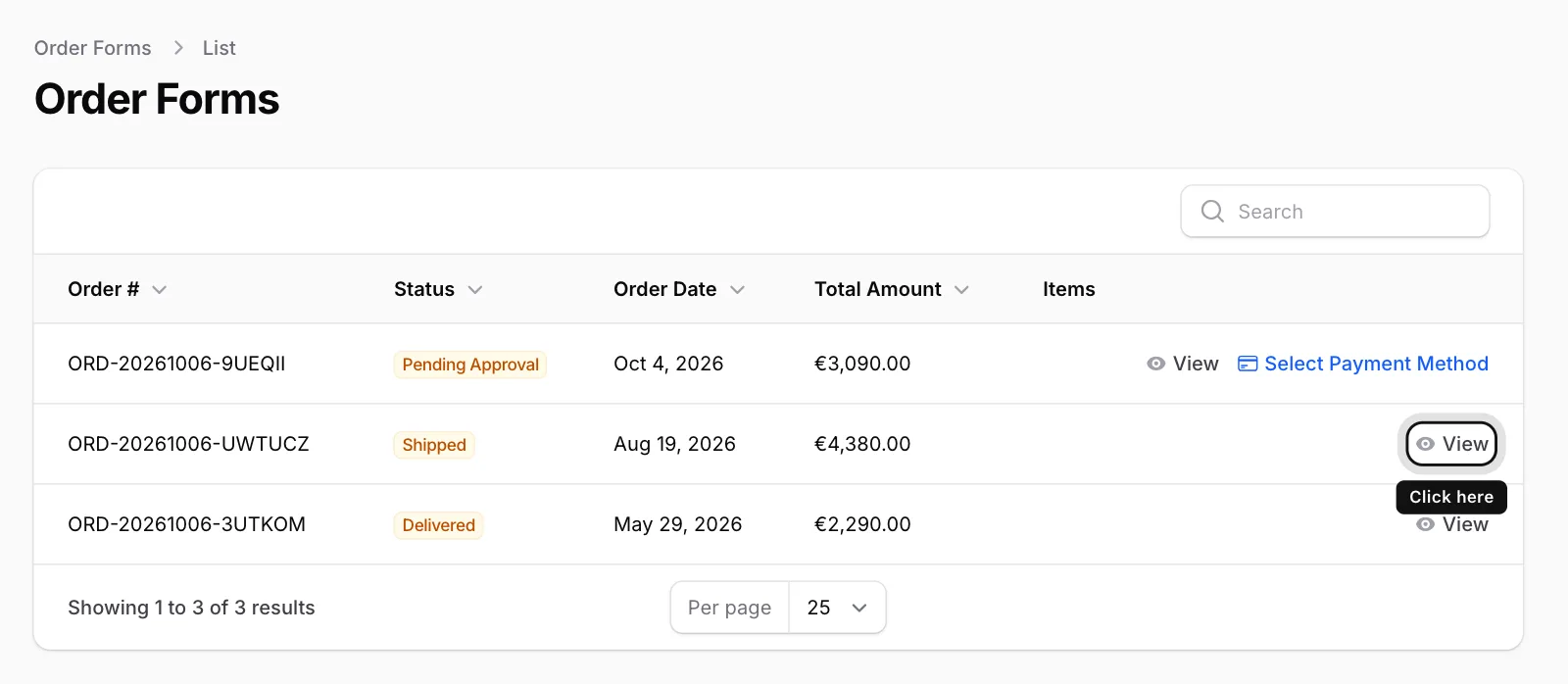
Look at Carrier Information
The Carrier and Tracking No fields show the details.

Copy the tracking number
Click the number: it is copied and a short “Copied” note appears. Use it when you contact the carrier or on the carrier’s tracking page.

If these fields say “No Data”, no carrier has been assigned yet. The details are added once your order is on its way.